
What do all these files even mean?
Connect


Meet Izzy
You’ve poured your heart and soul into your business. Now it's time for people to connect with your work, but first, they need to see YOU. Let me help you
be SEEN.
Check out my best website design resource: the Ultimate Website Prep Checklist and Resource Guide. You can grab yours for free now!
Back to all Blog posts
April 20, 2026
(And what to actually do with them)
You just got your brand files back and suddenly you have a folder full of things like JPG, PNG, EPS…
And you’re like…
“Wait… what do I do with all of this?” 😅
Don’t worry, this is normal. Let’s break it down in a simple, no-overwhelm way so you actually use your branding (not just store it in a folder forever).
First things first: why you’re getting multiple file types
Short answer… Because your brand needs to show up in different places and each one requires a different format.
For example: your logo isn’t just one file… it’s a system that adapts depending on where it lives.
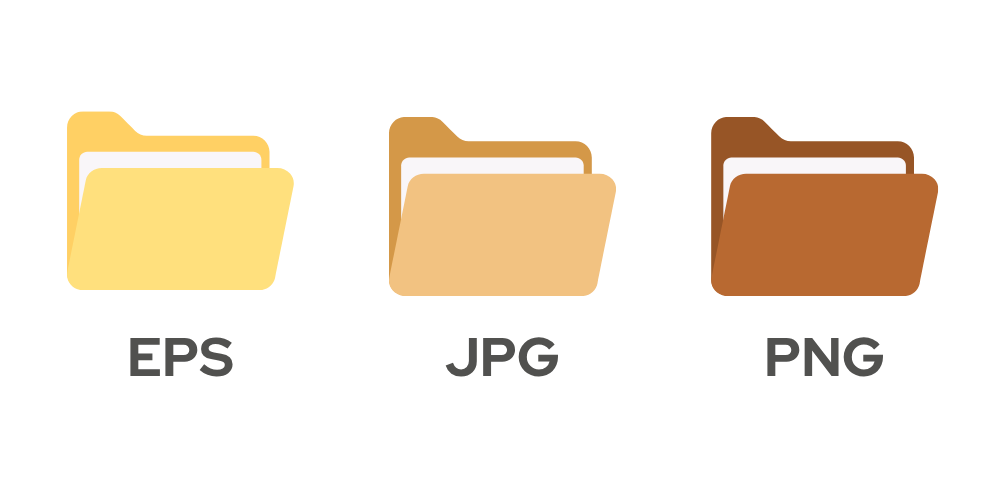
Let’s break them down:
JPG (your everyday, easy-to-use file)
Best for: Social media, website images, email signatures and general use.
Why it matters:
JPGs are lightweight and super easy to upload anywhere.
When to use it:
Anytime you just need your logo on a background (like white or a photo) and don’t need transparency.
PNG (same vibe, but with more flexibility)
Best for: websites, social media graphics, overlays on images and Canva designs.
Why it matters:
PNGs have a transparent background, which means your logo can sit cleanly on any color or image.
When to use it:
When you want your branding to look seamless and elevated across different backgrounds.
EPS (your high-quality, scalable file)
Best for: printing (business cards, packaging, signage), working with printers or designers and large formats.
Why it matters:
EPS files are vector-based, meaning they can scale infinitely without losing quality.
When to use it:
Anytime something is being printed or produced professionally.
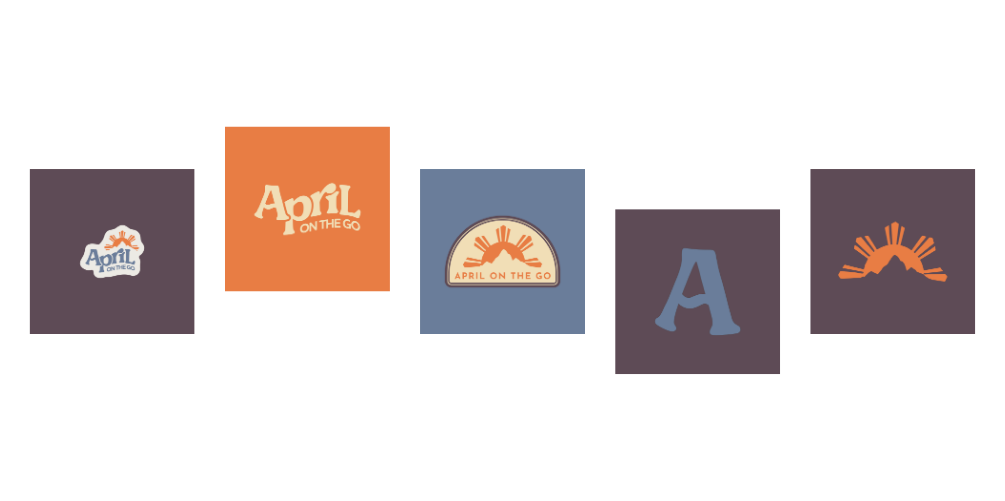
Where all of this shows up in your business
Your branding isn’t just for your logo, it lives everywhere:
- Your website
- Your Instagram + marketing content
- Your client touchpoints (emails, PDFs, proposals)
- Your printed materials (if you have them)
That’s why you’re getting all these formats so your brand looks consistent everywhere.
You don’t need to overthink this.
Start simple:
Use your PNG for most things, your JPG when needed, and your EPS for anything print-related.
That alone will take you so far.
And if you ever feel stuck… you know where to find me.
Quick note on your website (because this matters 👀)
When it comes to your website, I mainly work with Showit and Squarespace.
Both platforms allow you to upload your branding easily (especially PNGs for clean, flexible design), but the way they function and the level of customization is a little different.
If you’re curious about which one is best for you, I break it down here in a super simple way:
👉 Showit vs Squarespace: Which one should you choose?
(Definitely worth a read before you start building or redesigning your site.)
For full branding and website design, check out our Website in a Week package.
For quick turnaround changes to your website, check out the One Day Website Refresh.
Back to all Blog posts

Three Promises of Izzy Waite Design
Authentically You Branding
Collaborative & Fun Process
Don’t have it all figured out? That’s ok! My process will meet you where you’re at and help translate your ideas & vision into a brand you’ll love.
Results-Driven Design
By blending aesthetics with strategic design, we’ll make sure that your website not only looks amazing, but has a user-friendly layout that increases inquiries.